Roamic Recenze Compatibility with Devices and Technical Limits in 2026
10/22/2026
Roamic eSIM Compatibility: Which Devices Work and What Technical Limits to Expect
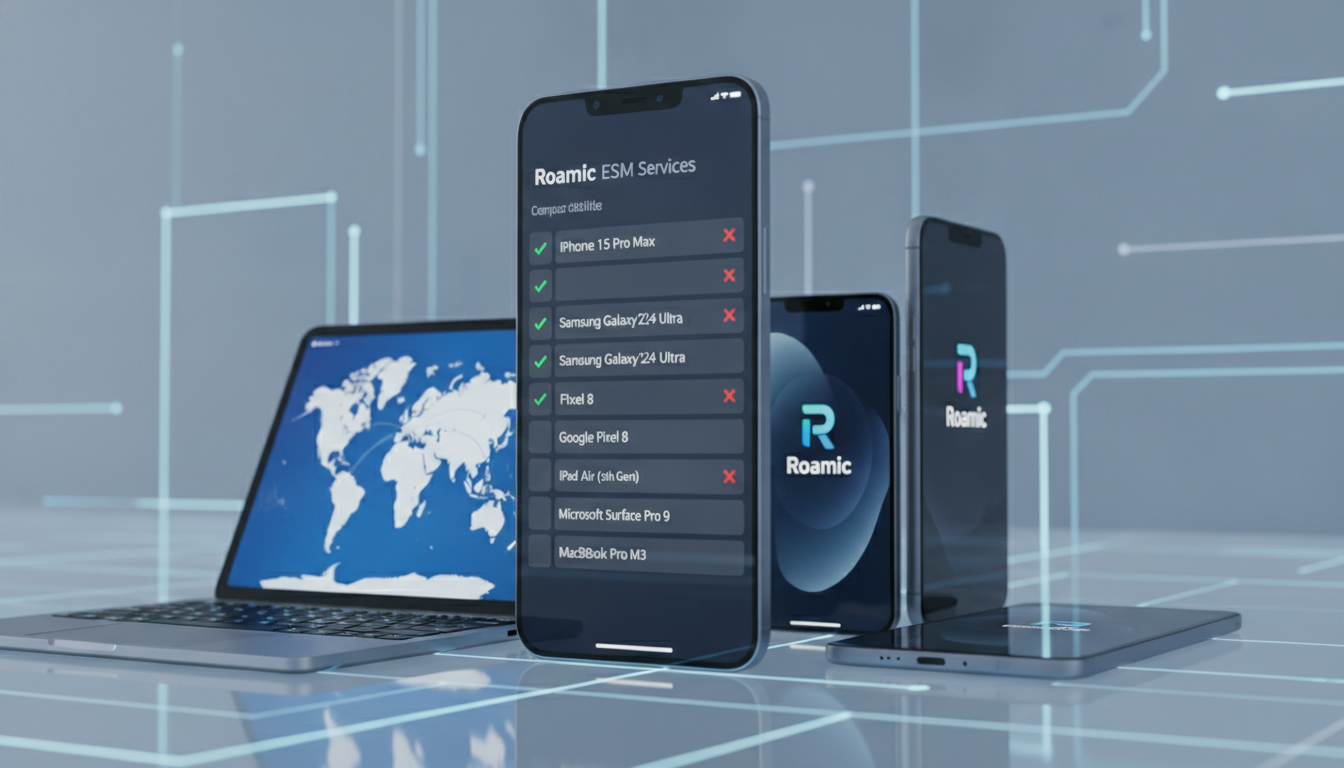
If you’re considering Roamic for your travel or personal connectivity needs, the first question you’ll want answered is straightforward: which devices are compatible with Roamic’s eSIM service, and what technical limitations might affect your experience? Understanding this upfront saves you time and frustration, especially since eSIM technology isn’t universally supported across all gadgets yet.
Roamic offers eSIM plans designed primarily for travelers, boasting unlimited data with a daily high-speed cap before throttling. However, device compatibility and technical constraints can make or break your experience.
I always start by checking the exact device model and its eSIM capabilities before committing to any provider, and Roamic is no exception.
Devices Compatible with Roamic eSIM
Roamic’s eSIM service works on a broad range of devices but is limited to those that support GSMA-compliant eSIM profiles. This includes most recent smartphones, tablets, and some laptops.
The GSMA specification SGP.22 governs remote SIM provisioning, which Roamic follows to ensure interoperability.
Smartphones and Tablets
- Apple iPhones: Models from iPhone XS onward support eSIM functionality. This includes dual-SIM capability where one SIM is physical and the other is an eSIM.
- Google Pixel Phones: Pixel 3 and newer models support eSIM.
- Samsung Galaxy Devices: Recent Galaxy S and Note series phones (S20, S21, Note 20, etc.) support eSIM.
- iPads: Cellular models from iPad Pro 3rd generation onwards generally support eSIM.
Laptops and Other Devices
- Some Windows laptops equipped with Qualcomm Snapdragon X16/X20 LTE modems support eSIM.
- Certain smartwatches like the Apple Watch Series 3 and later can use eSIMs but may have restrictions on carrier compatibility.
Field Observation: Device Model vs. Roamic Activation
If your device supports GSMA-compliant eSIMs but runs an outdated OS version, the Roamic app or QR code activation may fail. This happens because the device’s embedded SIM manager relies on OS-level protocols updated in recent releases. The consequence is a failed installation or inability to switch profiles smoothly.
Technical Limitations Affecting Roamic Use
Even when your device supports eSIMs, several technical factors can limit how well Roamic functions.
Data Speed Throttling After Daily Limit
Roamic advertises “unlimited” data but enforces a 3GB daily full-speed cap. After reaching this threshold, speeds throttle significantly but remain usable.
This mechanism is common among travel eSIM providers to manage network load.
Network Compatibility and Frequency Bands
Roamic operates on local mobile networks depending on your destination country. Your device must support the relevant LTE/5G bands for optimal connectivity.
For example:
- In Europe, bands like LTE Band 20 (800 MHz) and Band 3 (1800 MHz) are common.
- In India or other Asian countries, different bands apply (e.g., Band 40 at 2300 MHz).
If your device lacks support for these bands, you may experience poor signal strength or no connection at all.
Installation Process Constraints
Roamic requires scanning a QR code or using its app for profile installation. Devices with locked bootloaders or custom ROMs might reject the profile due to security policies embedded in the OS.
Field Observation: Overlapping Profiles Impact
Installing multiple eSIM profiles on one device can cause conflicts if profiles are not properly managed by the OS’s SIM manager. On iOS, switching between profiles requires manual toggling in settings; failure to do so can result in no active data connection despite having an installed profile.
Common Device Issues Reported by Roamic Users
User feedback collected from forums like TripAdvisor reveals some recurring issues tied directly to device compatibility:
- Activation Failures: Some users report that their devices do not recognize the QR code or that the profile installation hangs indefinitely.
- Speed Drops Earlier Than Advertised: Several complaints mention throttling kicking in after less than 1GB of data usage per day, which could be linked to device misreporting data consumption or network-side enforcement.
- Incompatibility with Older Devices: Devices older than two years often lack full support for remote SIM provisioning standards required by Roamic.
These issues underline why I’d advise against assuming all devices will work flawlessly without prior verification of both hardware specs and software versions.
How to Check Your Device Compatibility with Roamic
Before purchasing a Roamic plan, take these steps:
- Verify Your Device Model Supports GSMA SGP.22: Check manufacturer specifications or official OS documentation.
- Ensure Your Operating System Is Up-to-Date: For iOS, this means iOS 12.1 or later; for Android, version varies but generally Android 10+ supports better eSIM management.
- Confirm Support for Destination Network Bands: Use tools like GSMArena or carrier websites to check if your device supports local LTE/5G bands.
- Test QR Code Scanning Capability: Some older phones have camera apps that don’t recognize QR codes properly; use a dedicated scanner app if needed.
- Check If Your Device Allows Multiple Profiles: If you plan to keep your physical SIM active alongside Roamic’s eSIM, make sure your device supports dual-SIM operation without conflicts.
For detailed comparisons of compatible devices across various providers including Roamic, I recommend consulting resources like this best eSIM comparison site which provides up-to-date compatibility charts.
The Role of the Roamic App in Device Compatibility
Roamic offers an app that simplifies activation and management of your eSIM profile. However, its effectiveness depends heavily on your device’s software environment.
App Features Relevant to Compatibility
- Automatic profile installation via QR code scanning
- Real-time data usage monitoring
- Profile switching interface
- Customer support chat integration
Limitations Linked to Device Software
Devices running heavily customized Android versions or older iOS may experience app crashes or incomplete installations due to missing APIs required for remote SIM provisioning.
Field Observation: App vs Manual Installation
While the app streamlines setup, I always start by trying manual QR code installation through system settings first when possible. This bypasses potential app bugs or permission issues that some devices impose on third-party apps managing network profiles.
Summary of Key Compatibility Factors for Roamic Users
| Factor | Details |
|---|---|
| Supported Devices | iPhone XS+, Pixel 3+, Samsung Galaxy S20+, select iPads |
| Required OS Version | iOS 12.1+; Android 10+ preferred |
| Network Band Support | Must match local LTE/5G bands (e.g., Band 20 in Europe) |
| Data Speed Policy | Full speed up to 3GB/day; throttled thereafter |
| Activation Method | QR code scan or Roamic app installation |
| Multiple Profiles Handling | Manual switching required; conflicts possible if unmanaged |
This table highlights what matters most when assessing if Roamic fits your device setup.
Why Some Users Feel Frustrated With Roamic’s Compatibility
The main source of frustration comes from unmet expectations around “unlimited” data and seamless activation across all devices. The reality is that:
- Throttling after daily limits can feel abrupt if your device misreports usage.
- Older devices lacking GSMA SGP.22 support cannot install profiles correctly.
- Network band mismatches lead to weak signals despite active profiles.
- App-related glitches can block activation entirely on some Android variants.
Because of these factors, I always recommend verifying compatibility thoroughly before purchase rather than relying solely on user reviews that may mix technical issues with service quality perceptions.
For those interested in how Roamic stacks up against competitors regarding coverage and features, this Maya eSIM code review offers insights into alternative providers with different technical approaches.
By focusing on these compatibility details rather than general user opinions alone, you’ll get a clearer picture of whether Roamic suits your specific device and travel needs — avoiding costly surprises down the line.
FAQ
Which devices are compatible with Roamic eSIM service?
Roamic eSIM works on GSMA-compliant devices like iPhone XS and newer, Pixel 3+, Samsung Galaxy S20+ series, and select iPads. Some Windows laptops with Snapdragon LTE modems and Apple Watch Series 3+ also support it, but compatibility depends on device model and OS version.
What technical limits affect Roamic eSIM performance?
Roamic enforces a 3GB daily full-speed data cap, after which speeds throttle significantly. Device support for local LTE/5G bands is essential for good connectivity, and installation may fail on devices with outdated OS or custom ROMs due to security restrictions.
How can I verify if my device supports Roamic eSIM?
Check if your device supports GSMA SGP.22 eSIM profiles, update to the latest OS (iOS 12.1+ or Android 10+), confirm LTE/5G band compatibility for your destination, test QR code scanning, and ensure your device handles multiple SIM profiles if needed.
Why do some users experience activation failures with Roamic?
Activation issues often stem from outdated OS versions, unsupported device models, or QR code scanning problems. Devices with locked bootloaders or custom ROMs may reject profile installation due to security policies, causing the process to hang or fail.
What role does the Roamic app play in eSIM management?
The Roamic app simplifies eSIM activation via QR code scanning, monitors data usage, and allows profile switching. However, it may crash or malfunction on devices with heavily customized Android versions or older iOS due to missing APIs required for remote SIM provisioning.

Tom Walker
Tom is a deals and travel-tech writer. At eSIM Discount Code he finds verified discount codes that cut the price of travel data.