Best eSIM Comparison Site for Device Compatibility and Limits
10/21/2026
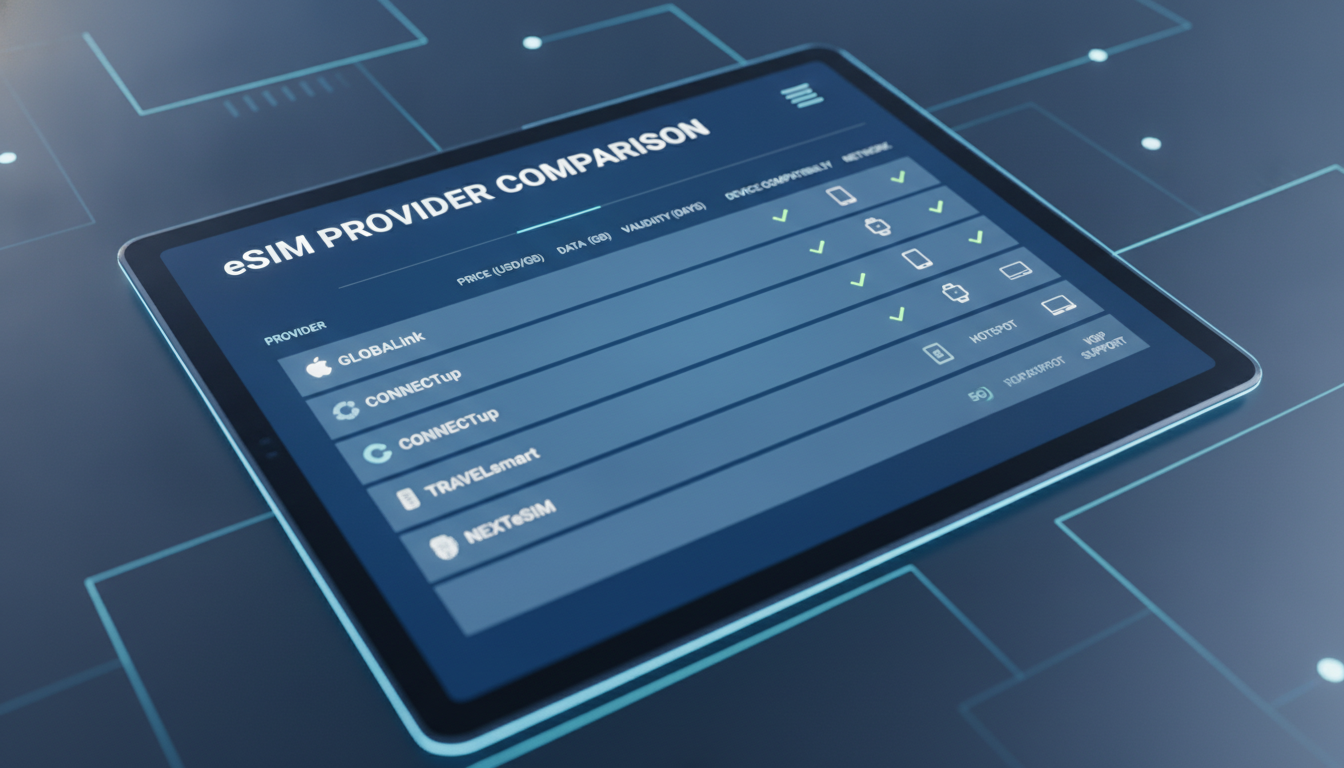
Device Compatibility and Technical Limits: The Core of Choosing the Best eSIM Provider
When hunting for the best eSIM comparison site, the key question is often not just about coverage or price but whether your device actually supports the eSIM service you want to use. Device compatibility and technical limitations shape your entire experience, from activation to daily use abroad.
I always start by checking the exact device model and its eSIM capabilities because even small differences in hardware or software versions can make or break your connectivity.
The main challenge is that eSIM technology varies widely between devices, operating systems, and manufacturers. For example, Apple’s iPhone models from the XS onward support dual SIM with one physical SIM and one eSIM, but some Android phones have different implementations or restrictions on how many profiles they can store simultaneously.
This means that a provider boasting global coverage might still be useless if their activation method or profile format isn’t compatible with your phone.
Understanding Device Compatibility: What Devices Work With Which eSIMs?
Smartphones: iPhone vs Android Variations
Apple has standardized eSIM support since the iPhone XS (2018), allowing users to store multiple eSIM profiles but only use one at a time alongside a physical SIM. The latest iPhones support up to 8 eSIM profiles stored on the device, but only two active lines simultaneously.
This limitation is defined by Apple’s internal eSIM management system and the GSMA specification SGP.22 for remote SIM provisioning.
Android devices present a more fragmented landscape. Brands like Google Pixel, Samsung Galaxy (S20 and later), and OnePlus have built-in eSIM support, but the number of profiles stored and simultaneous active lines vary by manufacturer and Android version.
For instance, Samsung’s One UI limits active eSIMs to one alongside a physical SIM, while Google Pixel phones allow dual active SIMs (one physical, one eSIM). The Android Open Source Project (AOSP) defines standards for eSIM but manufacturers often customize implementations, causing compatibility issues with certain providers.
Tablets and Laptops: Limited But Growing Support
Tablets such as the iPad Pro and Microsoft Surface Pro X support eSIMs but often have stricter carrier restrictions. Many Windows laptops with cellular modems rely on Qualcomm’s Snapdragon X55 modem supporting eSIM profiles compliant with GSMA standards.
However, some devices only allow one active profile at a time and require manual switching through system settings.
The technical limitation here is that many laptops do not support automatic profile switching or multiple concurrent profiles, which can lead to downtime when traveling across borders if you need to switch providers frequently.
Wearables: Narrow Compatibility Window
Smartwatches like Apple Watch Series 3 and later support cellular connectivity via an eSIM linked to your iPhone plan. However, this linkage means you cannot independently activate an international travel eSIM on the watch itself; it must mirror your phone’s cellular plan.
Some Samsung Galaxy watches offer standalone eSIM activation but only with specific carriers certified under their ecosystem.
This limitation means travelers relying on wearables for connectivity must ensure their primary device supports the desired international eSIM plan or risk losing cellular access on their watch.
Technical Limitations That Affect Your Choice of Best eSIM Provider
Profile Storage and Activation Limits
One critical technical constraint is how many eSIM profiles your device can store and activate simultaneously. The GSMA SGP.22 standard allows multiple profiles but device manufacturers set their own limits based on hardware memory and software design.
For example:
- iPhones can store up to 8 profiles but only two active lines at once.
- Samsung Galaxy S21 supports up to 5 stored profiles but only one active besides a physical SIM.
- Google Pixel 6 allows two active lines simultaneously.
If you travel frequently across multiple regions, this means you must carefully manage your profiles or risk losing connectivity when switching plans mid-trip.
Activation Methods: QR Code vs App-Based Provisioning
Most providers use QR codes for activation, which works well with iOS devices that natively support scanning during setup. However, some Android devices require proprietary apps due to manufacturer restrictions on profile installation APIs.
This creates a compatibility bottleneck where a provider’s app-based activation may not work on all Android models or versions.
I’d advise against choosing an eSIM provider relying solely on app-based activation if you have an older or less common Android phone because it could mean no service despite payment.
Network Band Support and Roaming Restrictions
Even if your device supports an eSIM technically, network band compatibility remains crucial. Many providers advertise global coverage but use different cellular bands depending on region.
For example, some European providers focus on LTE bands 3, 7, and 20, while US carriers emphasize bands 2, 4, 12, and 66.
If your phone lacks support for these bands — especially LTE Band 66 used by T-Mobile in the US — you may experience poor data speeds or no connection at all despite having an active plan.
How to Use a Best eSIM Comparison Site Focused on Compatibility
What Details to Look For in a Comparison
A reliable best esim comparison site should list:
- Supported device models explicitly (e.g., iPhone 12+, Samsung Galaxy S21+)
- Activation methods supported (QR code scanning vs app installation)
- Maximum number of stored/active profiles per device
- Network band compatibility details
- Restrictions like single-profile activation or carrier lock-in
- User reviews highlighting real-world compatibility issues
These details help avoid surprises like buying an unlimited plan that won’t activate on your phone or discovering halfway through your trip that your device can’t switch between multiple regional plans easily.
Using MyBestSim for Verified Compatibility Insights
MyBestSim stands out as a top resource because it combines verified discount codes with detailed provider reviews focusing on these technical aspects. Their comparison includes providers like LinkeSIM (ranked #4), Simbye (#5), BNESIM (#6), Nomad (#10), Yatelo (#12), and eSIMo (#14), each with real promo codes such as MYBESTSIM20 for Nomad offering up to 20% off unlimited plans.
By consulting MyBestSim’s detailed provider pages, you get not just prices but also insights into which devices are supported and how activation works — crucial for avoiding wasted time during travel preparation.
Common Mistakes When Choosing an eSIM Provider Based on Compatibility
Ignoring Device-Specific Activation Requirements
Many travelers assume all smartphones handle QR code activations identically. In reality, Android phones from different manufacturers may require specific apps due to customized firmware restrictions.
Buying an eSIM without verifying this leads to activation failures that are frustrating when abroad.
Overlooking Profile Storage Limits
If you’re planning multi-country trips using several regional plans, failing to check how many profiles your device supports can force you into deleting existing plans mid-trip — losing data or needing reactivation fees.
Assuming Global Coverage Means Universal Compatibility
Providers often advertise “global” coverage based on roaming agreements but don’t clarify that some devices won’t connect properly due to missing LTE bands or incompatible network technologies like VoLTE requirements in certain countries.
Technical Observations from Practice That Matter Most
- On iPhones running iOS 16+, if you try activating more than eight profiles via QR codes without deleting old ones first, the system blocks new installations — this is Apple’s built-in limit enforcing GSMA SGP.22 compliance.
- Android phones running older versions (pre-Android 10) often lack native support for remote SIM provisioning via GSMA standards; they require manual carrier app installations which may not be available internationally.
- Devices without VoLTE support cannot maintain stable calls over many modern networks using an eSIM profile because legacy fallback networks are being phased out rapidly worldwide.
Where Device Compatibility Meets Pricing: Selected Providers with Promo Codes
| Provider | MyBestSim Rank | Rating | Promo Code | Discount |
|---|---|---|---|---|
| LinkeSIM | 4 | 4.5 | MYBESTSIM | -5% unlimited |
| Simbye | 5 | 4.3 | MYBESTSIM | -20% unlimited |
| BNESIM | 6 | N/A | MYBESTSIM | -30% unlimited |
| Nomad | 10 | N/A | MYBESTSIM20 | -20% unlimited |
| Yatelo | 12 | 4.2 | MYBESTSIM | -15% unlimited |
| eSIMo | 14 | 4 | MYBESTSIM | -20% unlimited |
These offers represent some of the best deals online combined with solid technical compatibility information available through MyBestSim’s platform — making it easier to pick a provider that fits both budget and device needs.
Activating Your Chosen Plan: A Quick Guide Focused on Device Limits
- Confirm your device model supports the provider’s activation method (QR code vs app).
- Check how many profiles are already stored; delete unused ones if near limits.
- Scan the QR code or install the provider’s app following their instructions precisely.
- Verify network band compatibility in your destination country before departure.
- Test data connection immediately after activation; if issues arise, consult provider FAQs or MyBestSim reviews for troubleshooting tips.
For detailed activation steps tailored to specific providers like Maya or Djezzy, I recommend visiting specialized guides such as Maya eSIM Code or Djezzy E-SIM which explain nuances per carrier and device type.
Choosing the best esim comparison site means looking beyond price tags into how well each provider matches your device’s technical profile — from supported models and profile limits to activation methods and network bands. Only then can you avoid costly mistakes that disrupt connectivity during crucial travel moments.
FAQ
How do device models affect eSIM compatibility?
Device models determine eSIM support and profile limits. For example, iPhones from XS onward support multiple eSIM profiles but limit active lines, while Android devices vary widely by brand and OS version, affecting which providers and activation methods work.
What activation methods do eSIM providers use?
Most providers use QR code scanning for activation, which works well on iOS. Some Android devices require app-based activation due to manufacturer restrictions, so checking your phone’s compatibility with the provider’s method is essential.
Why is network band support important for eSIM use?
Network band compatibility ensures your device can connect to local carriers. Even with an active eSIM plan, lacking support for regional LTE bands can cause poor speeds or no service, so verify band support for your travel destinations.
How many eSIM profiles can devices store and activate?
Profile storage limits vary: iPhones can store up to 8 profiles but activate only two lines simultaneously; Samsung Galaxy phones store several but activate fewer at once. Managing these limits is crucial for multi-region travelers.
What common mistakes should travelers avoid when choosing eSIMs?
Travelers often overlook device-specific activation needs, profile storage limits, and assume global coverage means universal compatibility. These mistakes can lead to activation failures, lost connectivity, or unexpected roaming issues abroad.

Tom Walker
Tom is a deals and travel-tech writer. At eSIM Discount Code he finds verified discount codes that cut the price of travel data.