Which Devices Work with Simcorner eSIM and What Are the Limits
10/28/2026
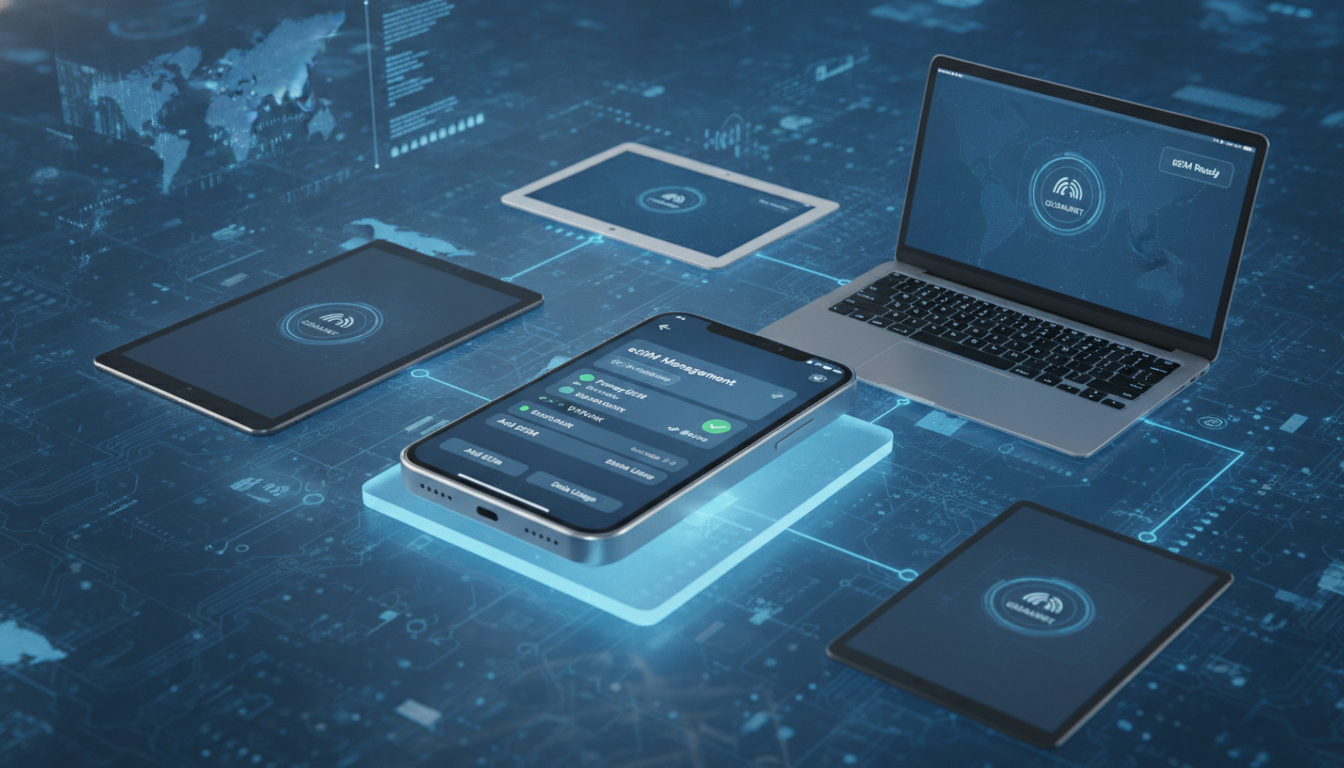
Which Devices Are Compatible With SimCorner eSIMs and What Are the Technical Limitations?
SimCorner offers travel eSIMs designed to keep you connected in over 200 destinations worldwide, but not every device can use their service. Understanding which devices support SimCorner eSIMs and the technical constraints involved is essential before purchasing.
This guide dives into the compatibility landscape and technical boundaries you need to know to make the most of SimCorner’s offerings.
Device Compatibility: What Works With SimCorner eSIMs?
SimCorner’s eSIMs rely on the embedded SIM technology standardized by GSMA, specifically following the SGP.22 specification for remote SIM provisioning. This means your device must support eSIM profiles and be unlocked to use SimCorner’s service effectively.
Supported Device Categories
- Smartphones: Most recent flagship smartphones from Apple, Samsung, Google, and Huawei support eSIM. For example, Apple’s iPhone models starting from iPhone XS/XR and later are compatible with SimCorner eSIMs. Samsung Galaxy S20 and newer models also support eSIM functionality.
- Tablets: Devices like the iPad Pro (3rd generation and later) and iPad Air (4th generation and later) include eSIM support.
- Laptops: Some Windows laptops with cellular capabilities, such as Microsoft Surface Pro X or Lenovo ThinkPad X1, support eSIM profiles.
- Wearables: Select smartwatches like Apple Watch Series 3 and newer can use eSIMs for cellular connectivity.
Devices That Do Not Support SimCorner eSIMs
- Older smartphones without embedded SIM hardware cannot use SimCorner’s service.
- Devices locked to a specific carrier often block eSIM activation from third-party providers.
- Many budget or mid-range devices lack eSIM hardware altogether.
I always start by checking the device’s official specifications or settings menu under “Cellular” or “Mobile Data” to confirm if an “Add Cellular Plan” option exists, which indicates eSIM capability.
Technical Limitations When Using SimCorner eSIM Services
While SimCorner provides broad coverage with multi-network access, several technical limitations affect how you can use their eSIMs.
Single Active Profile Limitation
Most devices allow only one active cellular profile at a time on their embedded SIM hardware. This means if your phone already has a physical SIM or another active eSIM profile, switching to SimCorner requires deactivating the current profile.
The mechanism is that the device’s modem can only connect to one network per SIM slot, so simultaneous use of multiple profiles is generally not supported.
Network Compatibility Constraints
SimCorner partners with over 483 carriers globally, but your device’s supported frequency bands must match those of local networks. For example:
- If your phone supports LTE Band 20 (800 MHz) but you travel to a country where carriers operate primarily on Band 28 (700 MHz), you may experience reduced coverage or slower speeds.
- Devices without 5G NR (New Radio) capability cannot access 5G networks even if SimCorner offers 5G plans in that region.
This band compatibility is crucial because an incompatible device will fall back to slower 3G or 2G networks or lose signal entirely.
Activation Process Requirements
SimCorner’s activation relies on scanning a QR code or manually entering an activation code into your device’s cellular settings. The process requires:
- A stable internet connection during activation.
- An unlocked device that allows adding new carrier profiles.
- Compliance with GSMA SGP.22 standards for remote provisioning.
If the device firmware is outdated or customized by carriers (e.g., locked bootloaders), activation may fail or cause errors like “Profile installation failed.”
How Device Settings Impact Your SimCorner Experience
Understanding how your device manages multiple SIM profiles and data routing is key to avoiding common pitfalls when using SimCorner eSIMs.
Dual SIM Dual Standby (DSDS) Behavior
Many modern smartphones support DSDS, allowing one physical SIM and one eSIM active simultaneously but only one active data connection at a time. The practical consequence is:
- If you receive a call on your physical SIM while using data on the SimCorner eSIM, data may pause temporarily.
- Switching between SIMs for calls or data requires manual toggling in settings.
This behavior varies by manufacturer and OS version; Apple iOS manages this more seamlessly than some Android implementations.
Data Roaming Settings
Since SimCorner provides travel connectivity, enabling data roaming on your device is mandatory for service outside your home country. However:
- Some devices disable data roaming by default to avoid unexpected charges.
- Turning off data roaming will prevent your SimCorner eSIM from connecting even if installed correctly.
I’d advise against assuming roaming is enabled automatically; always verify in your device settings before departure.
Troubleshooting Common Issues With SimCorner eSIM Compatibility
Even when devices meet compatibility criteria, users face issues due to subtle technical factors.
Overwriting Existing Profiles
Installing a new SimCorner profile can overwrite existing carrier settings if not done carefully. The mechanism here is that some devices limit the number of stored profiles; exceeding this limit causes automatic deletion of older ones without warning.
The consequence is losing access to previously used networks unexpectedly.
Firmware Updates Affecting Support
Device manufacturers periodically release firmware updates that change how eSIM profiles are handled. For instance:
- An update might introduce stricter security checks preventing third-party profile installation.
- Conversely, updates can improve network band support or fix bugs affecting connectivity.
Keeping your device updated ensures better compatibility but also requires checking release notes for any changes impacting eSIM usage.
Regional Restrictions
Some devices sold in specific regions have software locks disabling eSIM functionality outside those markets. For example:
- A phone purchased in China may have limited or no support for foreign eSIM profiles due to regulatory restrictions.
- Carrier-specific models sometimes restrict adding non-native profiles as part of contract terms.
This regional lock mechanism means buying an unlocked global model is safer when planning to use travel eSIM services like SimCorner.
Leveraging The SimCorner Platform Features On Compatible Devices
SimCorner isn’t just about connectivity; its platform offers features enhancing user experience on supported devices.
Instant Setup Without ID Checks
SimCorner allows instant setup of travel data plans without requiring identity verification—a significant advantage for travelers needing quick connectivity upon arrival. This feature depends on the device’s ability to scan QR codes efficiently and handle remote provisioning per GSMA SGP.22 standards.
Multi-Network Coverage Management
Because SimCorner connects through multiple carriers per destination, compatible devices automatically select the strongest available network based on signal strength and band compatibility. This dynamic switching relies on the device modem’s ability to handle network handovers seamlessly without dropping connections during travel within covered regions.
For detailed user experiences and community insights about these features on various devices, exploring the simcorner community can provide real-world feedback from travelers who have tested different phones with SimCorner services.
What You Should Know About Using a SimCorner Tutorial or Demo on Your Device
Before activating an actual plan, many users seek a simcorner tutorial or demo to understand setup steps and limitations firsthand. These tutorials typically cover:
- Scanning the QR code provided after purchase.
- Adding the cellular plan via device settings.
- Switching between physical SIM and eSIM profiles safely.
- Troubleshooting common errors like failed installations or missing network signals.
The effectiveness of these tutorials depends heavily on device compatibility; some older models cannot follow all steps due to missing UI options or hardware limitations.
Final Notes On Choosing Devices For The Best SimCorner Experience
When selecting a device for using SimCorner’s travel eSIMs, prioritize:
- Unlocked smartphones supporting GSMA SGP.22 remote provisioning.
- Models with broad LTE band support matching your travel destinations.
- Devices updated with the latest firmware ensuring smooth profile management.
If you want to maximize savings while purchasing an eSIM plan compatible with your device, consider checking verified discount codes available through platforms like esimdiscountcode.com where you can apply working promo codes at checkout for providers such as Yesim or LinkeSIM offering up to 20% off unlimited plans.
By understanding these compatibility details and technical limits upfront, you avoid activation failures and enjoy seamless connectivity wherever you travel with SimCorner’s innovative platform.
FAQ
Which smartphones are compatible with SimCorner eSIMs?
Most recent flagship smartphones from Apple, Samsung, Google, and Huawei support SimCorner eSIMs. For example, iPhones from XS/XR models onward and Samsung Galaxy S20 or newer models are compatible, provided the device is unlocked and supports eSIM profiles.
What technical limitations affect SimCorner eSIM usage?
SimCorner eSIMs have limitations such as allowing only one active cellular profile at a time and requiring device network bands to match local carriers. Devices without 5G support cannot access 5G networks, and activation needs an unlocked device with GSMA SGP.22 compliance.
How does dual SIM functionality impact SimCorner eSIM use?
Many phones support Dual SIM Dual Standby, allowing one physical SIM and one eSIM active simultaneously but only one data connection at a time. Incoming calls on the physical SIM can pause data on the SimCorner eSIM, requiring manual toggling for calls or data switching.
Why might SimCorner eSIM activation fail on some devices?
Activation can fail due to outdated firmware, carrier locks, or region-specific software restrictions. Devices locked to a carrier or with customized firmware may block third-party eSIM profiles, causing errors like 'Profile installation failed' during activation.
What should travelers check before using SimCorner eSIMs?
Travelers should verify their device is unlocked, supports eSIM with GSMA SGP.22 standards, and matches local network bands. Enabling data roaming is essential, and checking for firmware updates helps ensure smooth activation and connectivity with SimCorner services.

Tom Walker
Tom is a deals and travel-tech writer. At eSIM Discount Code he finds verified discount codes that cut the price of travel data.