Moremins Review of Device Compatibility and Technical Limits
10/31/2026
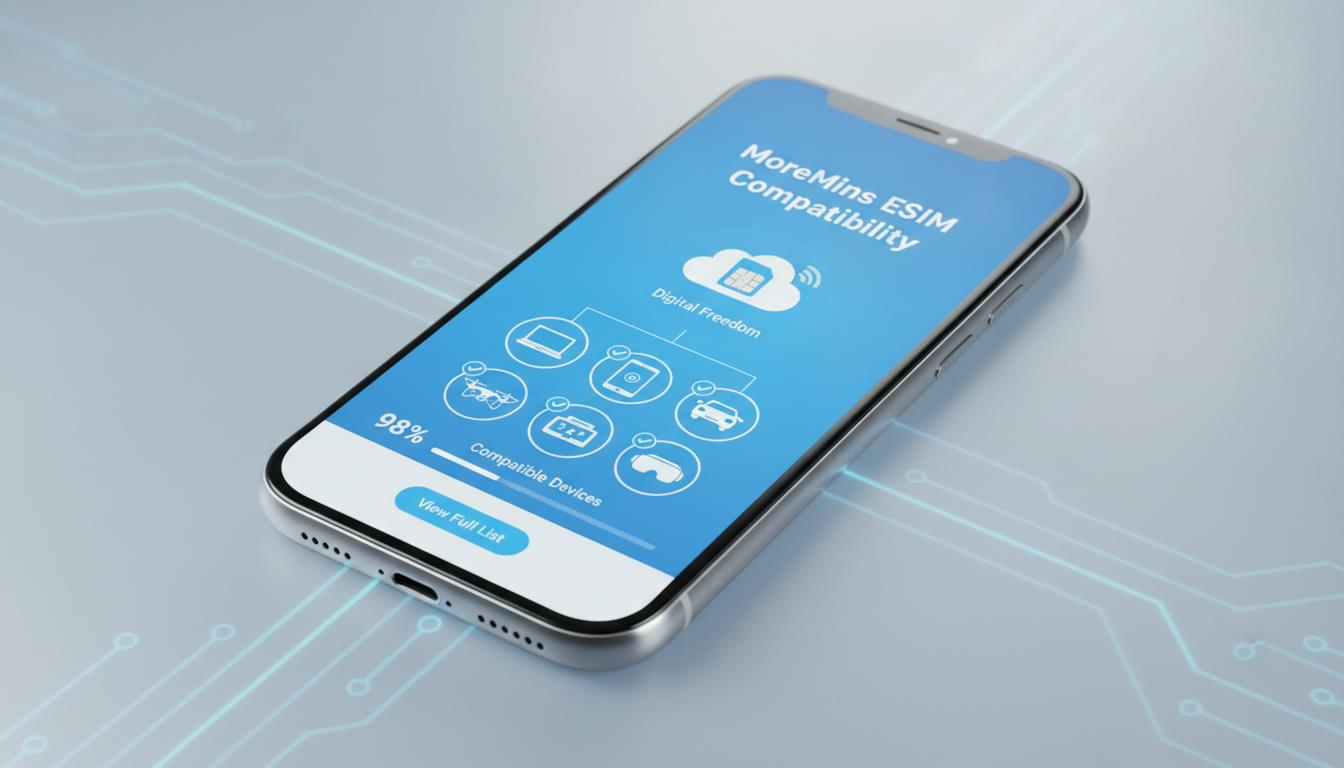
MoreMins Review: Device Compatibility and Technical Limitations Explored
MoreMins offers a virtual phone number service combined with cheap international calling and eSIM data options. But before investing your time or money, understanding which devices support MoreMins and the technical boundaries you might face is crucial.
This review focuses on the compatibility of the MoreMins platform, highlighting device support, technical constraints, and what you can realistically expect from the service.
Which Devices Support MoreMins eSIM Service?
MoreMins primarily targets users who want to use virtual phone numbers and eSIM data for calling and messaging without relying on traditional SIM cards. However, device compatibility is not universal, and knowing the specifics can save you frustration.
Smartphones Compatible with MoreMins
MoreMins supports a range of smartphones that have eSIM capabilities. This includes:
- Apple iPhone models from iPhone XS onward: These models have integrated eSIM hardware compliant with GSMA’s SGP.22 specification for remote SIM provisioning.
- Google Pixel 3 and newer: Google Pixel devices support eSIM profiles that can be activated remotely.
- Samsung Galaxy S20 series and later: Samsung’s flagship phones include eSIM support but often require carrier unlocking.
The key technical condition here is that the device must support GSMA specification SGP.22, which governs remote eSIM provisioning. Without this compliance, the MoreMins eSIM profile cannot be installed or activated.
Tablets and Other Devices
Some tablets with cellular capabilities also support eSIM, such as:
- Apple iPad Pro (3rd generation and later)
- Microsoft Surface Pro LTE models
However, MoreMins’ service is optimized for smartphones rather than tablets or laptops. The platform’s calling features rely on mobile voice networks accessible primarily via smartphones.
Devices That Do Not Support MoreMins
Older phones without eSIM hardware or those locked to specific carriers will not work with MoreMins’ eSIM service. For example:
- Phones released before 2018 generally lack eSIM hardware.
- Devices locked to carriers that do not allow third-party eSIM profiles.
- Feature phones without smartphone OS capabilities.
I’d advise against trying to use MoreMins on unsupported devices because the activation process will fail, and you might waste time troubleshooting non-compatible hardware.
Technical Limitations Affecting MoreMins Usage
Understanding the technical limits of MoreMins helps set realistic expectations about performance and features.
No App-to-App Calling
Unlike many VoIP apps, MoreMins does not offer app-to-app calling. Instead, calls go directly to landlines or mobile numbers over local minutes or internet connections.
This means:
- You must have local minutes available if you want to call without internet.
- Calls made without internet use your phone’s native voice network, which depends on your local carrier’s coverage.
- The app cannot bypass carrier restrictions on voice calls.
This design choice limits flexibility but improves call quality by avoiding VoIP compression artifacts common in app-to-app calls.
Internet-Free Calling Using Local Minutes
MoreMins uses your phone’s local minutes for calls when no internet connection is available. This mechanism requires:
- Your device to have an active SIM card with voice minutes.
- The MoreMins app to route calls through your local network transparently.
The consequence is that if your local carrier has poor coverage or limited minutes, call quality or availability may suffer. The app’s FAQ explicitly warns against relying solely on internet-free calling in areas with weak local signals.
eSIM Data Plans Are Separate From Calling
MoreMins offers eSIM data plans for internet access but does not bundle these with voice minutes automatically. Users must manage data and calling separately:
- Data plans activate via an eSIM profile installed on compatible devices.
- Voice calls require either internet (VoIP) or local minutes through the native SIM.
This separation means users need to understand their usage patterns carefully to avoid unexpected costs or connectivity gaps.
User Experience Insights from MoreMins Reviews
Real user feedback highlights strengths and weaknesses tied closely to device compatibility and technical design.
Positive Feedback on Connection Quality
Users report that when used on compatible devices with good network coverage, MoreMins delivers high call quality often superior to other calling apps. The reliance on local minutes rather than pure VoIP reduces latency and dropouts.
Common Complaints About Unsolicited Calls
A notable downside reported in customer feedback is receiving frequent calls from unknown numbers asking why they were called. This issue relates more to the virtual number system than device compatibility but affects user experience significantly.
Subscription Cost Transparency
While this review focuses on compatibility, it’s worth noting that MoreMins positions itself as one of the cheapest virtual number providers according to user reviews on platforms like MyBestSim. However, pricing details vary by region and plan type, so checking current offers is essential before subscribing.
How to Check If Your Device Supports MoreMins
Before committing to MoreMins, verify your device’s compatibility using these steps:
- Check for eSIM Hardware Support: Consult your device manufacturer’s specifications or settings menu for “eSIM” or “Digital SIM” options.
- Verify Carrier Unlock Status: Ensure your device is unlocked or supports third-party eSIM profiles; locked phones often block such installations.
- Install the MoreMins App: Available on major app stores, it will prompt you if your device cannot support its features.
- Attempt Profile Activation: If installation fails at this stage due to hardware or software incompatibility, consider alternative providers.
I always start by confirming GSMA SGP.22 compliance because it is the industry standard governing remote SIM provisioning—without it, no remote activation will succeed.
Alternatives and Comparison Considerations
If your device does not meet MoreMins’ requirements or you need broader features like app-to-app calling, consider other providers ranked highly by MyBestSim such as Airalo or eSIM.DOG. These competitors offer various plans with different coverage areas and sometimes better multi-device support.
| Provider | MyBestSim Rank | User Rating | Promo Code | Discount |
|---|---|---|---|---|
| BNESIM | 6 | N/A | MYBESTSIM | -30% unlimited |
| eSIM.DOG | 7 | 4 | MYBESTSIM | -5% unlimited |
| Airalo | 8 | 4 | MYBEST15 | -15% unlimited |
| MoreMins | 93 | N/A | MYBESTSIM | -5% unlimited |
This table shows where MoreMins stands in terms of ranking and discounts compared to competitors listed by MyBestSim—a trusted source for verified eSIM discount codes and provider comparisons.
Technical Observations Every User Should Know
- eSIM Profile Activation Requires Stable Internet: The initial download of the MoreMins eSIM profile depends on a stable Wi-Fi or mobile data connection; interruptions cause activation failure.
- Overlapping SIMs Can Cause Network Conflicts: Using multiple SIMs (physical + eSIM) simultaneously may lead to network selection issues if both are active in overlapping frequency bands.
- Local Number Verification May Fail Without Proper Device Settings: Some users report problems receiving SMS verification codes when using virtual numbers unless their device settings allow SMS routing through the virtual number app correctly.
These observations come from understanding how remote SIM provisioning works technically combined with common troubleshooting scenarios reported by users online.
Where to Find Verified Discount Codes for MoreMins
If you decide MoreMins fits your needs after checking compatibility, remember that verified discount codes can reduce subscription costs significantly. MyBestSim lists a valid promo code "MYBESTSIM" offering a 5% discount on unlimited plans for MoreMins users—a rare official offer worth applying at checkout.
For travelers looking for affordable travel data options compatible with their devices, I recommend browsing esimdiscountcode.com’s blog where you can find detailed guides about cheap eSIMs including those from providers like MoreMins.
Choosing an eSIM provider hinges heavily on device compatibility and understanding technical limitations upfront. With this detailed review focused on those aspects of MoreMins, you should now have a clearer picture of whether it suits your smartphone model and usage needs before committing financially or timewise.
FAQ
Which smartphones are compatible with MoreMins eSIM?
MoreMins supports smartphones with eSIM hardware compliant with GSMA SGP.22, including Apple iPhone XS and newer, Google Pixel 3 and later, and Samsung Galaxy S20 series and above. Devices must be carrier unlocked to install the MoreMins eSIM profile.
Can I use MoreMins on tablets or laptops?
MoreMins eSIM service works on some cellular tablets like Apple iPad Pro (3rd gen+) and Microsoft Surface Pro LTE models, but it is optimized for smartphones. Calling features rely on mobile voice networks, which are primarily accessible via smartphones.
Does MoreMins support app-to-app calling over the internet?
No, MoreMins does not offer app-to-app calling. Calls are routed directly to landlines or mobile numbers using local minutes or internet connections, which improves call quality but limits flexibility compared to VoIP apps.
What technical limitations affect MoreMins call quality?
Call quality depends on local carrier coverage and available minutes since calls without internet use the native voice network. Also, eSIM profile activation requires a stable internet connection, and devices must support GSMA SGP.22 for remote provisioning.
How can I verify if my device supports MoreMins eSIM service?
Check your device’s specifications for eSIM or Digital SIM support and ensure it is carrier unlocked. Installing the MoreMins app will indicate compatibility, and attempting profile activation confirms if your hardware and software meet requirements.

Tom Walker
Tom is a deals and travel-tech writer. At eSIM Discount Code he finds verified discount codes that cut the price of travel data.