Which Devices Work with Maya.net Discount Code and eSIM Limits
9/15/2026
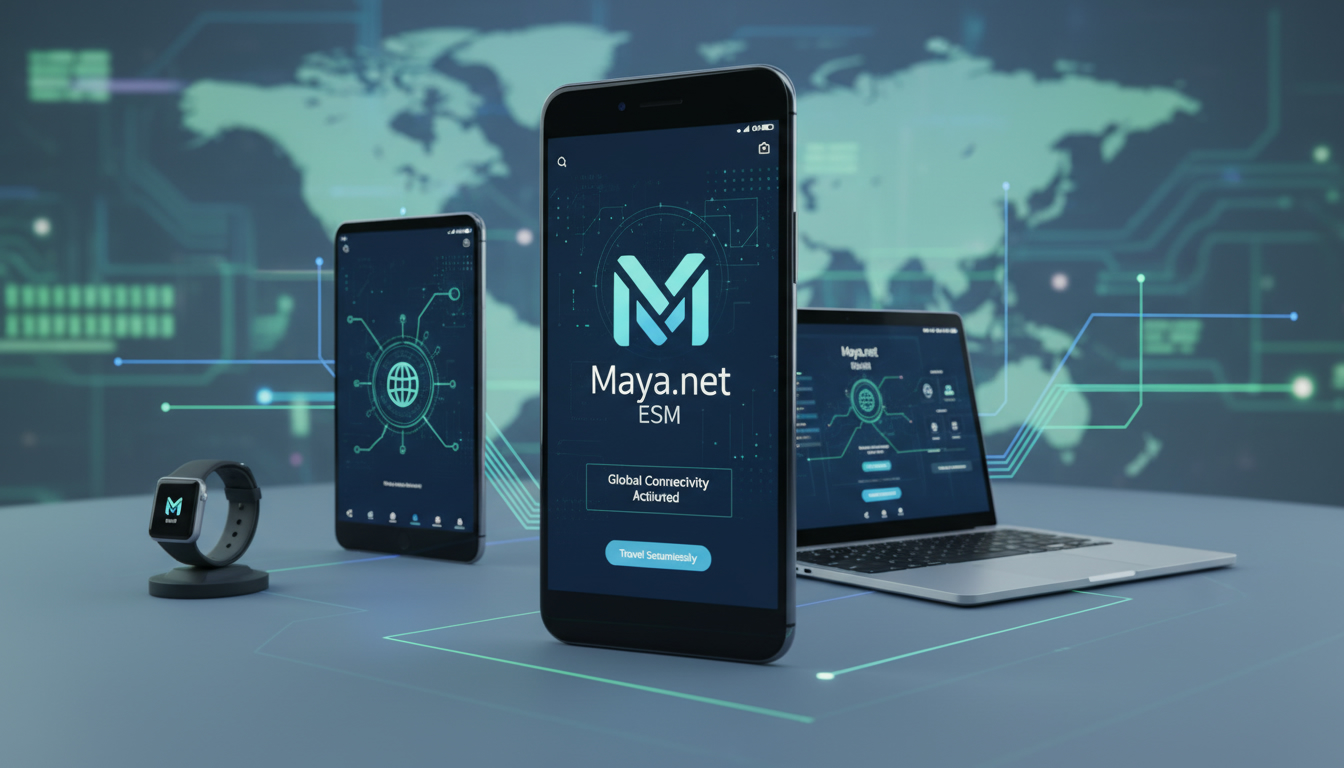
Devices Compatible with Maya.net eSIM Services and Technical Limits for Discount Code Use
If you’re looking to save money on Maya.net’s travel data plans using a Maya.net discount code, the first thing to check is whether your device supports their eSIM technology. Maya.net offers unlimited data plans across 165+ countries starting at $9.99 for 3 days, but not every device can activate these eSIM profiles.
Understanding device compatibility and technical limitations will help you avoid frustration when applying a Maya.net promo code and ensure you get the best value from your purchase.
Which Devices Support Maya.net eSIM?
Maya.net’s eSIM service is designed primarily for smartphones, tablets, and laptops that support the GSMA eSIM standard (SGP.22 specification). Here’s what you need to know about device compatibility:
- iPhone Models: Apple introduced eSIM support starting with the iPhone XS, XS Max, and XR. All newer iPhones, including the iPhone 11, 12, 13, 14, and 15 series, support dual SIM with one physical SIM and one eSIM. However, some older iPhones do not support eSIM activation at all.
- Android Phones: Many recent Android devices from brands like Google Pixel (Pixel 3 and newer), Samsung Galaxy (S20 and newer), and OnePlus (OnePlus 8 and newer) support eSIM. The exact support depends on the manufacturer’s implementation of the GSMA SGP.22 standard.
- Tablets and Laptops: Certain tablets like the iPad Pro (3rd generation and later) and Surface Pro models with LTE also support eSIM profiles. Windows 10/11 laptops with cellular capabilities may allow eSIM installation but check manufacturer specs.
- Wearables: Some smartwatches like Apple Watch Series 3 and later support eSIM but may have restrictions on global data plans.
Field Observation: Device Firmware and Carrier Lock
A critical condition for successful Maya.net eSIM activation is that the device firmware must be updated to a version supporting remote SIM provisioning (RSP). If your phone’s firmware is outdated or carrier-locked to a specific provider, the device may reject third-party eSIM profiles like those from Maya.net.
This mechanism means that even if your model nominally supports eSIM, you might not be able to use Maya.net unless your device is unlocked or running compatible firmware.
Technical Limitations When Using a Maya.net Discount Code
Applying a Maya.net discount code is straightforward on compatible devices, but some technical factors can limit usage:
- Single Active Profile Limit: Most devices only allow one active cellular profile per SIM slot. When you install a Maya.net eSIM plan using a discount code, it replaces or disables any existing eSIM profile in that slot. This means switching between providers requires manual profile management.
- QR Code Scanning: Maya.net delivers the eSIM profile via QR code scanned through device settings. Devices that do not allow manual QR scanning or have restricted settings apps cannot install the profile even if technically compatible.
- Data Plan Activation Window: After applying a discount code at checkout (such as the verified “MYBESTSIM” code for 10% off unlimited plans), you must install the eSIM within a limited time frame—usually within 48 hours—to avoid expiration of the QR code.
- Network Compatibility: Although Maya.net covers over 165 countries with unlimited data plans starting at $9.99 for 3 days (e.g., Nepal, Oman, New Zealand), some devices locked to specific network bands or lacking global LTE bands may experience reduced coverage or no service.
Field Observation: Overlapping Profiles Cause Connectivity Issues
If you install multiple eSIM profiles without properly deactivating previous ones, your device may attempt to connect simultaneously or switch erratically between profiles. This condition causes frequent network drops or inability to maintain data sessions.
The mechanism is that most mobile OSes prioritize active profiles but do not handle conflicts gracefully, leading to concrete consequences like dropped calls or stalled downloads.
How to Use a Maya.net Discount Code on Compatible Devices
Using a Maya.net promo code effectively requires following precise steps tailored to your device’s capabilities:
- Create an Account on Maya.net: Before purchasing any plan, sign up using your email or social login options (Google or Apple ID).
- Select Your Travel Data Plan: Choose from unlimited data packages valid in your destination countries; prices start at $9.99 for 3 days.
- Apply Your Discount Code: Enter “MYBESTSIM” at checkout to get a verified 10% off on unlimited plans as tracked by MyBestSim.
- Complete Payment: Use supported payment methods; discounts apply immediately.
- Install Your eSIM Profile:
- On iPhone: Go to Settings > Cellular > Add Cellular Plan > Scan QR Code provided by Maya.net.
- On Android: Access Settings > Network & Internet > Mobile Network > Add Carrier > Scan QR Code.
- Activate Data Plan: Confirm activation in settings; ensure airplane mode is off and cellular data is enabled.
Field Observation: Timing of Activation Affects Data Validity
The time between purchasing with a discount code and activating the eSIM profile matters because QR codes expire after about 48 hours per GSMA provisioning rules. If you delay scanning beyond this window, you must request a new QR code from Maya.net customer service to avoid losing your discounted plan.
Common Device Compatibility Issues and How to Avoid Them
Even if your device supports eSIM technology in theory, practical issues often arise:
Carrier Lock Restrictions
Devices locked by carriers often block installation of third-party eSIM profiles due to firmware restrictions or network policies. The mechanism here is that carrier locks prevent remote SIM provisioning from unapproved providers like Maya.net, resulting in error messages during QR scanning or failed activation attempts.
Outdated Operating System Versions
Older OS versions lack full GSMA SGP.22 compliance needed for smooth remote provisioning of eSIMs. For example, iOS versions before iOS 12.1 do not support dual SIM with an eSIM profile; Android versions below Android 10 have limited or no official support for multiple active SIM profiles.
Lack of Global LTE Band Support
Maya.net’s global coverage depends on roaming agreements across multiple networks worldwide. Devices missing key LTE bands used in target countries will experience poor connectivity or no service despite successful profile installation.
Where to Find Valid Maya.net Discount Codes for Compatible Devices
If you want to maximize savings on Maya.net travel data plans while ensuring compatibility with your device, here are reliable sources for promo codes:
| Source | Discount Type | Notes |
|---|---|---|
| esimdiscountcode.com | Verified “MYBESTSIM” code | 10% off unlimited plans (MyBestSim) |
| simplycodes.com | Real-time tracked coupons | Includes single-use codes & updates |
| techjury.net | Seasonal discounts | Verified offers like 20% off global |
Applying these codes during checkout guarantees savings without risking invalid coupons that cause checkout errors.
For detailed guidance on how to use a Maya.net discount code effectively on your device, I always start by checking my phone’s firmware version and carrier lock status before purchasing any plan—this avoids wasted purchases due to incompatibility.
You can also explore how other users successfully apply promo codes in travel scenarios by reading this detailed post about using promo codes.
Summary of Key Compatibility Checks Before Using a Maya.net Promo Code
- Confirm your device supports GSMA SGP.22 remote SIM provisioning.
- Ensure your phone/tablet/laptop firmware is updated to latest stable version.
- Verify your device is unlocked or supports third-party eSIM profiles.
- Check network band compatibility with destination countries covered by Maya.net.
- Apply verified discount codes like “MYBESTSIM” during checkout for guaranteed savings.
- Activate your purchased plan within 48 hours of receiving the QR code.
By respecting these conditions, you’ll avoid common pitfalls such as crushed O-rings in watchmaking; here it’s about avoiding crushed connectivity due to technical mismatches.
Technical Standards Behind Maya.net’s Service
Maya.net follows GSMA specification SGP.22 for remote SIM provisioning which defines how devices download and activate profiles securely over-the-air without physical SIM cards. This standard ensures interoperability across manufacturers but requires devices’ baseband processors and operating systems to implement it fully.
The QR code delivery method used by Maya.net complies with this standard by encoding activation credentials that devices decode during scanning in system settings apps.
Understanding this mechanism clarifies why some devices fail: if they lack SGP.22 compliance or have carrier-imposed restrictions blocking RSP features, they cannot install or activate Maya.net’s discounted travel data plans despite appearing compatible superficially.
This detailed overview should help anyone curious about using a Maya.net discount code on their travel-ready device avoid costly mistakes and enjoy seamless global connectivity at reduced prices thanks to verified promo offers tracked by MyBestSim.
FAQ
Which devices support Maya.net eSIM activation?
Maya.net eSIM works on iPhone XS and newer, recent Android phones like Google Pixel 3+, Samsung S20+, and certain tablets and laptops with LTE. Device must support GSMA SGP.22 remote SIM provisioning and be unlocked for third-party profiles.
Why might my device reject a Maya.net discount code QR code?
Devices with outdated firmware or carrier locks often block third-party eSIM profiles like Maya.net’s. This causes QR code scanning or activation to fail despite nominal eSIM support, requiring firmware updates or unlocking.
How long do I have to activate my Maya.net eSIM after purchase?
You must install and activate the Maya.net eSIM profile within 48 hours of purchase. QR codes expire after this window, so delays require contacting customer service for a new code to avoid losing your discounted plan.
Can I use multiple eSIM profiles simultaneously on Maya.net plans?
Most devices allow only one active cellular profile per SIM slot. Installing a Maya.net eSIM replaces any existing profile, so managing multiple providers requires manual switching to avoid connectivity issues.
Where can I find valid Maya.net discount codes for travel plans?
Reliable sources include esimdiscountcode.com for the verified “MYBESTSIM” 10% off code, simplycodes.com for real-time coupons, and techjury.net for seasonal discounts. Using verified codes ensures savings without checkout errors.

Tom Walker
Tom is a deals and travel-tech writer. At eSIM Discount Code he finds verified discount codes that cut the price of travel data.