Which Devices Support JamboSim eSIM and What Are the Limits
11/3/2026
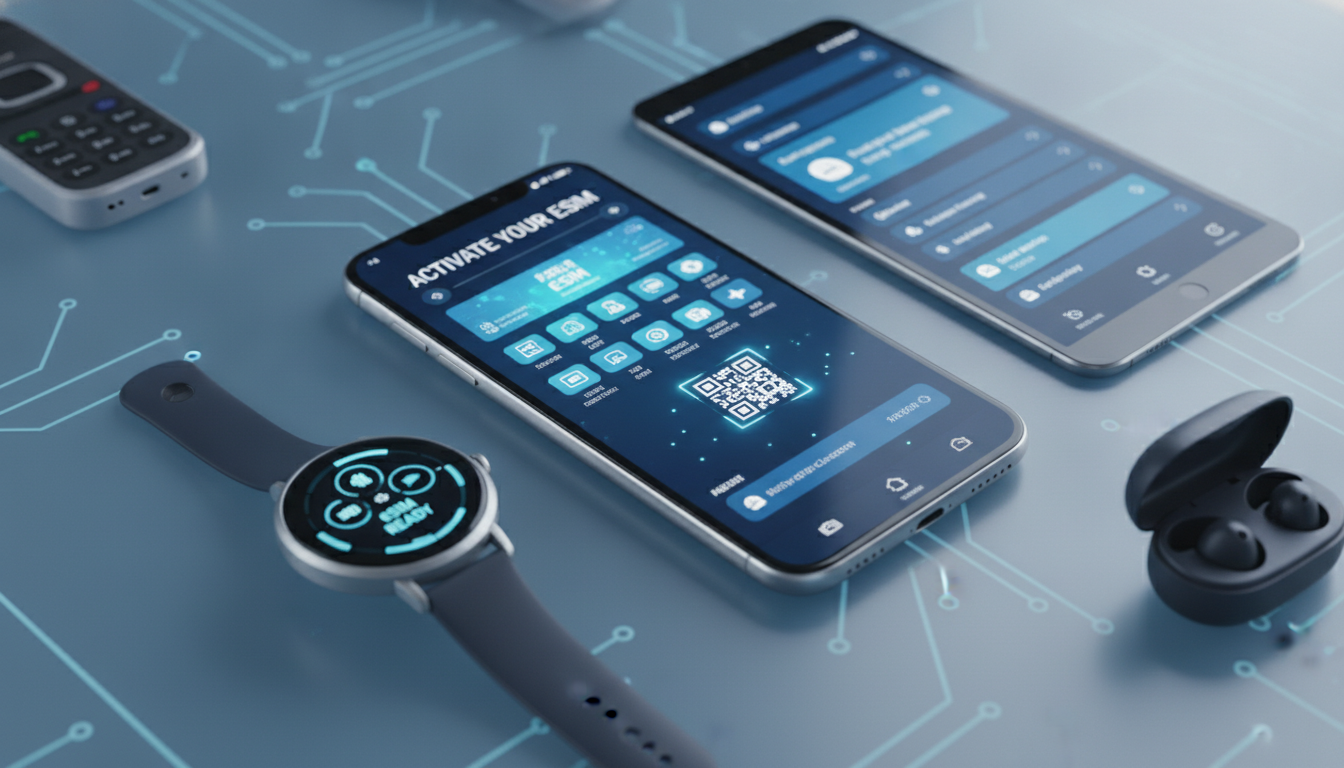
Which Devices Are Compatible with JamboSim eSIMs and What Are the Technical Limitations?
JamboSim offers eSIM data plans that you can activate instantly on compatible devices without needing a physical SIM card. However, not every device supports eSIM technology or JamboSim’s specific provisioning method.
Understanding which devices work with JamboSim eSIMs and the technical constraints involved is crucial before purchasing a plan or trying to install one.
What Is JamboSim and How Does Its eSIM Service Work?
JamboSim is a travel eSIM provider that sells prepaid data plans usable in over 200 countries. Unlike traditional SIM cards, JamboSim’s service relies on eSIM technology standardized by the GSMA under specification SGP.22, which governs remote SIM provisioning.
This means you download a digital SIM profile directly onto your device, eliminating the need for physical swapping.
The activation process involves scanning a QR code or manually entering activation details into your device’s settings. JamboSim supports instant activation, with plans starting as low as $1.99 for 300 MB valid for 3 days in countries like Panama, Uganda, Slovakia, Pakistan, and Oman.
Device Compatibility: Which Phones and Gadgets Support JamboSim eSIMs?
The key limitation for using JamboSim eSIMs is hardware support. Only devices with built-in eSIM chips and compatible firmware can install and manage these profiles.
Smartphones
- Apple iPhones: Models from iPhone XS, XS Max, and XR onward support dual SIM with one physical SIM and one eSIM slot. iPhones run iOS versions that comply with GSMA standards, allowing smooth installation of JamboSim profiles.
- Google Pixel Phones: Pixel 3 and later models support eSIM natively on Android 10 or newer.
- Samsung Galaxy Phones: Recent Galaxy S20, S21, S22 series and some Note models support eSIM but may have regional firmware restrictions.
- Other Android Devices: Support varies widely. Devices must run Android 10+ and have manufacturer support for eSIM provisioning. Many mid-range phones lack this feature.
Tablets and Wearables
- iPad Pro, iPad Air (3rd gen+), iPad Mini (5th gen+): These Apple tablets support eSIM profiles.
- Apple Watch Series 3 and later: Cellular models use eSIM technology but require carrier compatibility.
- Other Wearables: Limited support; most rely on paired smartphones rather than standalone eSIMs.
Laptops
Some Windows laptops with cellular capabilities include eSIM support (e.g., Surface Pro LTE models). However, Windows’ implementation of GSMA SGP.22 is less mature than mobile OSes, so compatibility with JamboSim can be hit or miss.
Technical Limitations When Using JamboSim eSIMs
Even if your device supports eSIM hardware-wise, several technical factors can limit usage:
Carrier Locking and Firmware Restrictions
Many devices sold by carriers are locked to specific networks or firmware versions that block third-party eSIM profiles. For example:
- Samsung phones purchased from certain carriers may reject non-carrier profiles.
- Some iPhones locked to a carrier might not allow adding an international travel eSIM like JamboSim.
This locking mechanism prevents installing multiple profiles or switching between them freely.
Number of Profiles Supported
Most devices allow storing multiple eSIM profiles but only one active at a time (except dual SIM devices). The exact number varies:
- iPhones typically store up to 8 profiles but only use two simultaneously (one physical SIM + one active eSIM).
- Android devices often allow fewer stored profiles due to UI limitations.
Running out of profile slots means you must delete an old profile before adding a new JamboSim plan.
Network Compatibility and Frequency Bands
JamboSim’s regional plans cover many countries but rely on local mobile networks’ compatibility with your device’s radio bands:
- If your phone lacks LTE bands used locally, you might get slower 3G speeds or no connection.
- Some regions require VoLTE-capable devices for data-only plans to work correctly.
Checking your device’s supported bands against the destination country’s network frequencies is essential to avoid connectivity issues.
How to Check If Your Device Supports JamboSim eSIM
I always start by verifying the device model against official manufacturer specifications for eSIM support. Apple publishes detailed lists of iPhone models supporting dual SIM with eSIM on their website.
Google and Samsung also provide compatibility notes for Pixel and Galaxy lines respectively.
Next, check your device’s software version:
- For iOS devices, iOS 12.1 or later is required for basic eSIM functionality.
- Android phones need version 10 or higher plus manufacturer-specific updates enabling GSMA SGP.22 compliance.
Finally, ensure your device is unlocked from any carrier restrictions that could block third-party profiles like those from JamboSim.
Common Mistakes When Installing JamboSim eSIM Profiles
One trap I see often is users trying to activate an eSIM while connected to Wi-Fi only but without cellular service enabled. The activation requires cellular network access to authenticate the profile remotely; without it, installation fails silently.
Another mistake is attempting to scan the QR code multiple times rapidly during setup. This can cause the device’s provisioning server to reject requests temporarily due to rate limiting.
Also, some users overlook deleting old or inactive profiles when their device reaches the maximum number of stored profiles, leading to errors during new profile installation.
Where to Find Official Setup Guides and Support
JamboSim provides an official step-by-step activation guide tailored for iPhone, Android, and other supported devices on their website at jambosim.com/setup-guide. This resource explains the exact gestures needed during installation and troubleshooting tips if something goes wrong.
For broader context on choosing the right provider or comparing offers including JamboSim’s competitive pricing starting at $1.99 for short-term plans in various countries, I recommend checking MyBestSim — a leading comparison platform for travel eSIMs that ranks providers by price, coverage, and user ratings.
If you want detailed instructions on installing any free or paid eSIM profile beyond just JamboSim’s service, this installation guide covers universal steps across platforms.
The Benefits of Using JamboSim Despite Technical Constraints
While technical limitations exist, JamboSim offers several advantages that make it worth considering:
- Instant Activation: No waiting for physical SIM delivery; you get online access immediately after purchase.
- Affordable Pricing: Plans start at $1.99 for 300 MB valid 3 days in multiple countries including Panama and Slovakia.
- Wide Regional Coverage: Options include Europe, Asia, Africa, Latin America, MENA region, Oceania, Safari zones, plus global plans.
- No Roaming Fees: You pay local rates without surprise roaming charges thanks to local network partnerships.
These benefits make it an attractive option especially for travelers who want flexible data access without swapping physical SIM cards or dealing with local carriers’ bureaucracy.
By focusing on device compatibility details—hardware requirements like GSMA SGP.22 compliance; software versions; carrier locks; profile limits—and explaining common pitfalls during installation based on real-world provisioning mechanisms, this guide helps you decide if your phone or gadget can handle JamboSim’s innovative travel data solution effectively.
FAQ
Which smartphones support JamboSim eSIMs?
JamboSim eSIMs are compatible with Apple iPhones from XS and newer, Google Pixel 3 and later, and recent Samsung Galaxy S20, S21, and S22 series. Android support varies, requiring Android 10+ and manufacturer eSIM provisioning.
What technical limits affect JamboSim eSIM usage?
Technical limits include carrier locks that block third-party profiles, limited number of stored eSIM profiles per device, and network compatibility issues like missing LTE bands or VoLTE requirements in some regions.
Can tablets and wearables use JamboSim eSIMs?
Yes, certain Apple tablets like iPad Pro and iPad Air (3rd gen+) support JamboSim eSIMs. Apple Watch Series 3 and later cellular models also support eSIM but need carrier compatibility. Other wearables have limited standalone eSIM support.
How do I verify if my device supports JamboSim eSIM?
Check your device model against official manufacturer lists for eSIM support, ensure your OS is iOS 12.1+ or Android 10+, and confirm your device is unlocked from carrier restrictions that might block third-party eSIM profiles.
What common mistakes should I avoid when installing JamboSim eSIMs?
Avoid activating the eSIM without cellular service enabled, scanning the QR code repeatedly in quick succession, and neglecting to delete old profiles when storage limits are reached, as these can cause installation failures.

Tom Walker
Tom is a deals and travel-tech writer. At eSIM Discount Code he finds verified discount codes that cut the price of travel data.