Iccid Compatibility with Devices and Technical Limits for Esims
10/16/2026
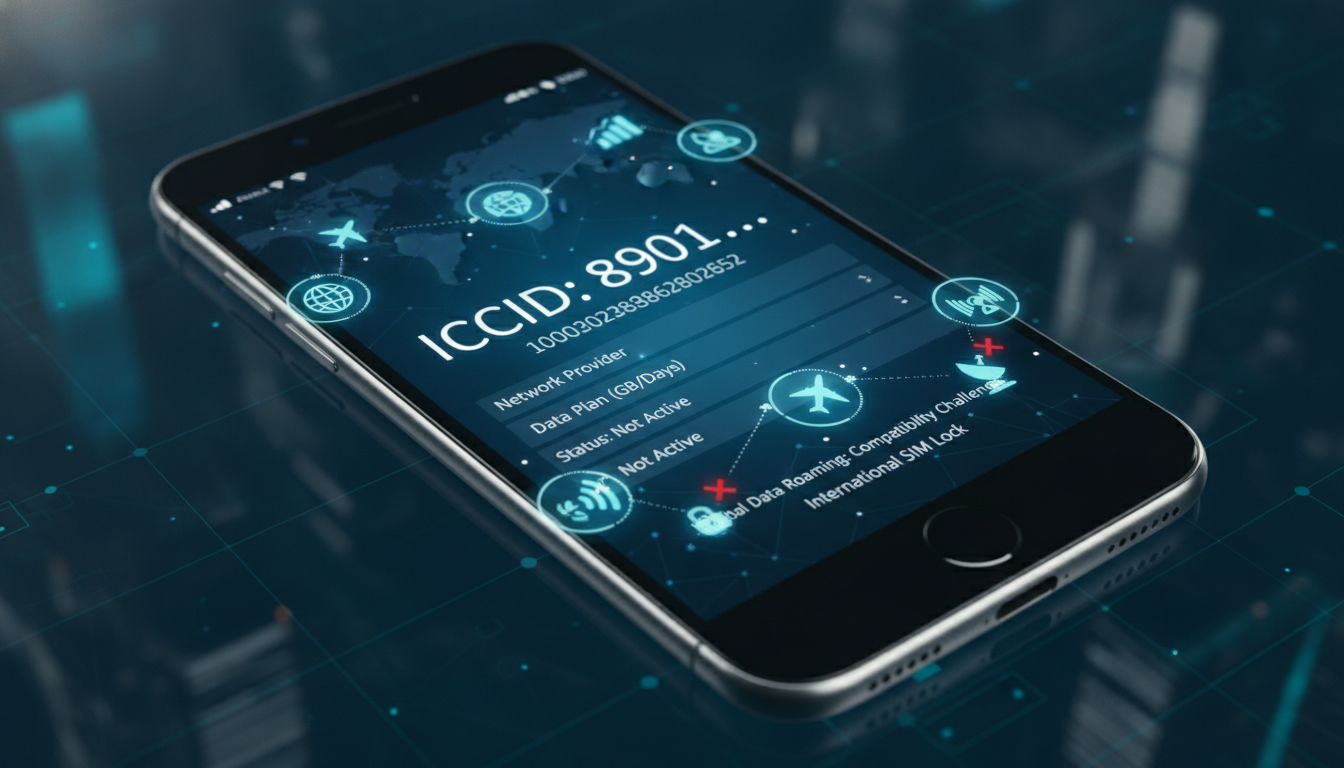
What Is ICCID and Why It Matters for Device Compatibility
The ICCID, or Integrated Circuit Card Identifier, is a unique 19- or 20-digit number assigned to every SIM card, including eSIMs. It acts as the SIM card’s fingerprint, identifying it on mobile networks worldwide.
Understanding the ICCID is crucial if you want to know how your device connects to cellular networks and whether your SIM or eSIM will work with your phone or travel data plan.
The ICCID is printed on physical SIM cards and stored digitally on eSIM profiles. It’s essential for network registration and authentication but does not directly affect your phone’s operation beyond that.
However, compatibility issues arise when devices or carriers impose restrictions based on ICCID formats or provisioning methods.
Device Compatibility with ICCID-Based SIMs and eSIMs
Which Devices Support ICCID-Identified SIMs?
Most modern smartphones, tablets, and some laptops support SIM cards identified by ICCIDs. Physical SIM cards with an ICCID are compatible with devices that have a SIM slot adhering to GSM or LTE standards.
For eSIMs, devices must support the GSMA specification SGP.22, which governs remote provisioning using ICCIDs.
Here’s what you need to know about device compatibility:
- Physical SIM Cards: Any device with a standard SIM slot can read the ICCID stored on the card’s integrated circuit chip.
- eSIM-Compatible Devices: Devices like recent iPhone models (iPhone XS and later), Google Pixel phones (Pixel 3 and later), and certain Samsung Galaxy models support eSIMs that use ICCIDs for identification.
- Non-Compatible Devices: Older phones without eSIM support cannot use ICCID-based eSIM profiles. Additionally, some low-cost or carrier-locked devices restrict activation of SIMs not issued by their network.
A key field observation: when an eSIM profile is installed on a device that does not support the GSMA SGP.22 standard, the device will fail to recognize the ICCID properly, leading to activation errors or no network connection.
Technical Limitations of Using ICCID-Based eSIMs for Travel Data Plans
Using an ICCID-based eSIM for travel data involves several technical constraints:
- Carrier Restrictions: Some carriers require the ICCID to be registered in their system before activation. The registration process can take from a few minutes up to 24 hours depending on the operator’s backend systems.
- Profile Storage Limits: Devices typically allow only a limited number of eSIM profiles to be stored simultaneously—usually between 5 and 10. This limitation means frequent travelers must manage their profiles carefully.
- Activation Dependencies: The ICCID alone does not activate service; it must be paired with an IMSI (International Mobile Subscriber Identity) and authentication keys. The difference between the ICCID and IMSI is critical: while ICCID identifies the card itself, IMSI identifies the subscriber on the network.
- Network Compatibility: Not all networks accept every ICCID format. For example, some operators use specific numbering schemes within the ICCID that signal compatibility only with their infrastructure.
A practical pitfall I often warn about is assuming any eSIM with a valid ICCID will work universally. In reality, if your device lacks proper carrier profile support or if the network rejects your ICCID format during registration, you’ll end up without service despite having a valid eSIM.
How to Find Your ICCID and What It Means for Your Mobile Service
Locating the ICCID on Your Device or SIM Card
Finding your ICCID number is straightforward but varies by device:
- Physical SIM Card: The ICCID is usually printed directly on the card itself as a long string of digits.
- iPhone: Go to Settings > General > About > scroll down to find “ICCID.”
- Android Devices: Settings > About Phone > Status > SIM Status > look for “ICCID” or “SIM Serial Number.”
- eSIM Profiles: On devices supporting eSIM, you can view installed profiles’ ICCIDs in cellular settings under “Mobile Plans” or “SIM Management.”
Knowing how to locate your ICCID helps verify which SIM or profile is active and troubleshoot connectivity issues related to network registration.
Privacy and Security Considerations Around Your ICCID
The ICCID is not secret like your phone number or IMSI but should still be handled carefully:
- Sharing your ICCID publicly does not expose your personal data but can allow malicious actors to clone your SIM if combined with other information.
- When activating travel data plans via third-party providers, you may need to provide your ICCID so they can provision service correctly.
- Avoid posting your full ICCID online or sharing it in unsecured communications.
The mechanism behind this caution is that the ICCID uniquely identifies your SIM hardware; cloning attacks exploit this identifier alongside authentication weaknesses in older GSM protocols.
The Role of ICCID in Telecommunications Networks and Registration
How Networks Use the ICCID During Registration
When you insert a SIM card or activate an eSIM profile, the device sends its ICCID to the mobile network during initial registration. The network uses this number to:
- Identify the physical card or embedded profile.
- Verify that it matches a subscriber account in their database.
- Authenticate service permissions linked to that card.
This process follows standards set by bodies like ETSI (European Telecommunications Standards Institute), ensuring interoperability across global networks.
Differences Between ICCID and IMSI in Network Operations
While both are critical identifiers in telecommunications, they serve distinct purposes:
| Identifier | Purpose | Stored On | Format |
|---|---|---|---|
| ICCID | Identifies the physical SIM card | Integrated circuit of SIM/eSIM | Up to 20-digit numeric string |
| IMSI | Identifies subscriber identity on network | Stored securely inside SIM | Usually 15 digits |
The IMSI is used by networks for subscriber authentication and billing, while the ICCID tracks the physical card itself. A mismatch between these identifiers during provisioning causes activation failures.
A common mistake I see is confusing these two numbers when setting up travel data plans: providing an IMSI instead of an ICCID (or vice versa) can delay activation significantly.
Managing Travel Data Plans Using Your Device’s ICCID
When purchasing travel data plans based on eSIM technology, understanding how your device handles the ICCID can save you time and frustration:
- Many providers require you to submit your device’s current ICCID so they can generate compatible profiles.
- Some travel data plans use dynamic provisioning where an operator assigns an appropriate IMSI linked to your submitted ICCID.
- If you switch devices frequently, keep track of each device’s supported number of stored profiles; exceeding this limit means deleting old profiles before adding new ones.
For example, if you’re traveling through South America using an eSIM provider like Holafly or Yatelo, you’ll need to ensure your phone supports their provisioning method based on your device’s handling of the ICCID. I always start by checking my device’s cellular settings for installed profiles before purchasing any plan.
If you want verified discount codes for travel data plans compatible with various devices using their unique ICCIDs, check out offers at esimdiscountcode.com such as those for Peru or Brazil — these providers often streamline activation processes by leveraging correct use of your device’s ICCID.
By understanding how the ICCID works across different devices and networks—and knowing its technical limits—you gain control over managing mobile connectivity during travel without surprises from incompatibility issues or activation delays.
FAQ
What is the ICCID on my SIM card?
The ICCID is a unique 19- or 20-digit number that identifies your SIM card globally. It acts like a fingerprint for your SIM, allowing mobile networks to recognize and authenticate your device for service.
How can I find the ICCID on my phone or SIM?
You can find the ICCID printed on your physical SIM card or in your phone’s settings. On iPhones, go to Settings > General > About; on Android, check Settings > About Phone > SIM Status.
Does the ICCID affect my phone’s compatibility?
Yes, the ICCID helps determine if your SIM or eSIM is compatible with your device and carrier. Some devices or networks restrict activation based on ICCID formats or provisioning methods.
Is it safe to share my ICCID with others?
While the ICCID itself is not secret, sharing it publicly can risk SIM cloning if combined with other data. It’s best to keep your ICCID private and only share it with trusted service providers.
Why do travel data plans require my ICCID?
Travel data providers use your ICCID to generate compatible eSIM profiles and register your device on their network. Providing the correct ICCID ensures smooth activation and service during your trip.

Tom Walker
Tom is a deals and travel-tech writer. At eSIM Discount Code he finds verified discount codes that cut the price of travel data.