9esim V3 Compatibility and Device Limits
11/11/2026
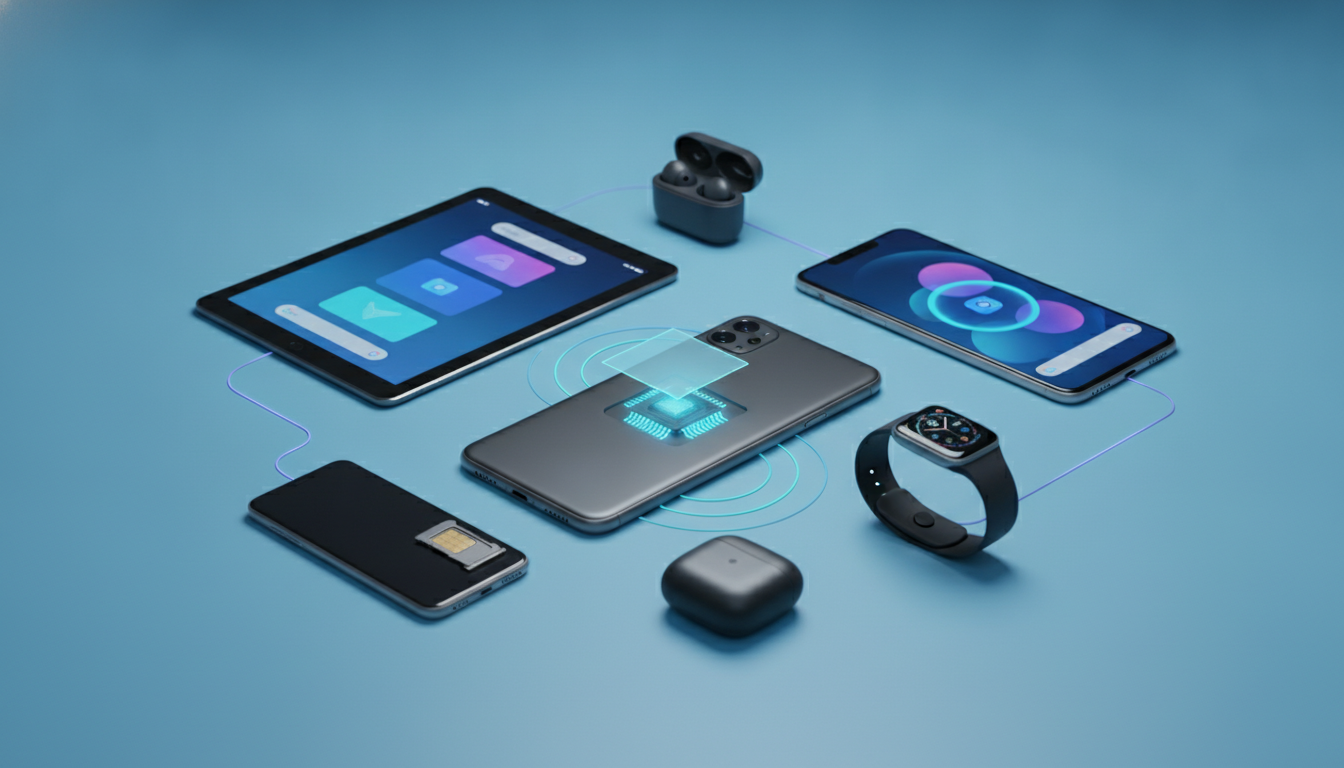
9eSIM V3 is a physical SIM adapter designed to add eSIM-profile management to compatible phones, but it does not make every handset an eSIM phone. The safest route is to install the official 9eSIM app from Google Play and let its device check run before buying: the app is described as automatically checking compatibility and identifying unsupported phones.
| 9eSIM V3 detail | What is documented |
|---|---|
| Product type | Reusable physical SIM card and eSIM adapter |
| Profile capacity | 1.5 MB card capacity |
| Stored profiles | Up to 50 eSIM profiles |
| Supported platforms mentioned | Android and iOS |
| Management software | 9eSIM app |
| Alternative switching method | STK support in V3 |
| Manufacturer reference | SIMLINK Ltd, made in the UK |
What 9eSIM V3 actually changes
The 9eSIM V3 is not a conventional carrier eSIM embedded in the phone’s motherboard. It is a physical SIM card that stores or manages downloaded eSIM profiles, allowing a compatible handset to use mobile plans that would otherwise require built-in eSIM hardware.
That distinction matters. A phone can have a SIM tray and still fail to work with the adapter if the operating system, SIM application environment, or network configuration blocks the required commands.
Conversely, a handset without native eSIM support may be able to use the 9eSIM V3 because the physical card performs part of the profile-management work.
The product information describes V3 as having 1.5 MB of capacity and supporting up to 50 profiles. Those figures describe storage capacity, not simultaneous service.
The phone still uses one active mobile connection through the selected profile; storing 50 profiles does not mean that 50 lines operate at once.
V3 versus earlier 9eSIM versions
The clearest documented change is STK support. STK means SIM Application Toolkit, the menu system through which a SIM card can present functions directly to the phone.
Earlier versions were commonly associated with app-based management, while V3 is described as allowing profile switching without relying exclusively on the application.
That can be useful on an iPhone, where an Android-only management app is not an option. It does not mean every iPhone is compatible.
The card, phone firmware, SIM menu, carrier settings, and profile provider still have to cooperate.
I would treat “works on Android and iOS” as a platform claim, not as a complete compatibility guarantee. The exact phone model remains decisive.
Which devices can use 9eSIM V3?
Android phones
The available product guidance specifically points users toward the free 9eSIM app on Google Play. That makes Android the clearest starting point for installation and diagnostics.
A compatible Android phone generally needs:
- A working physical SIM slot.
- An operating system that can communicate with the card’s SIM Toolkit functions.
- Permission for the 9eSIM application to access the required device and SIM functions.
- A mobile network configuration that does not block the selected profile.
- A 9eSIM-compatible card and profile combination.
The practical test is simple: place the adapter in the phone, install the official app from Google Play, and run its automatic check. If the application reports that the handset is unsupported, I’d advise against trying to force activation through random APK files or unofficial menus.
A failed compatibility check usually reflects a device or software limitation, not a missing download.
On Android, the most common trap is confusing app installation with service readiness. The application can install successfully because the operating system supports Google Play, yet the SIM layer may not expose the commands required by the card.
In that situation, the app opens but cannot write, read, or switch profiles correctly.
iPhone and iOS devices
V3 information also describes the adapter as usable with iOS, with STK support being particularly relevant because iPhones do not use the same Android app workflow.
The iPhone must still accept the physical SIM card and display the card’s SIM Toolkit functions. If the SIM menu does not appear, profile switching may not be available even though the card is physically detected.
This is a crucial distinction:
- Physical detection: the iPhone recognizes that a SIM is inserted.
- STK communication: the phone exposes the card’s application menu.
- Profile operation: the selected profile can connect to the intended network.
These are separate stages. When a phone detects the card but shows no 9eSIM menu, the likely problem is the interaction between iOS, carrier settings, and the card’s Toolkit application—not necessarily the profile itself.
The product description says the card can work on iOS and Android, but it does not provide a complete model-by-model list. I would therefore verify the exact iPhone generation and current iOS behavior through the 9eSIM compatibility check before purchasing.
Devices and networks that may not work
9eSIM V3 cannot overcome every hardware restriction. It is not a radio upgrade, a carrier-unlock tool, or a guarantee of coverage in every country.
Phones that may be unsuitable include:
- Devices with no physical SIM slot.
- Wi-Fi-only tablets without cellular SIM hardware.
- Handsets whose SIM Toolkit functions are disabled or unavailable.
- Carrier-locked phones that reject the intended mobile network.
- Phones with damaged SIM readers or unreliable contact pins.
- Devices excluded by the 9eSIM app’s compatibility check.
- Handsets whose operating system no longer exposes the required card functions.
A phone without a SIM tray is the easiest exclusion: a physical adapter has nowhere to operate. A modern eSIM-only handset may have excellent native eSIM support, but that does not make it compatible with a physical 9eSIM V3 card.
Network limits are equally important. The adapter manages profiles; it does not create a network.
Each profile still depends on its underlying operator, supported frequency bands, roaming agreement, authentication method, and local coverage. A profile can be installed correctly and still show no service if the network does not authorize the device or does not cover the location.
I always separate card compatibility from network compatibility. First confirm that the phone can operate the V3 card.
Then confirm that the chosen profile supports the country, operator, data service, and roaming conditions you need. Treating those as one test is how users end up with a successfully activated profile that cannot connect.
Locked phones and carrier restrictions
A carrier-locked phone may accept the physical card but reject a profile belonging to another operator. The consequence can be a “SIM not supported,” “network locked,” or registration failure message.
Unlocking rules vary by carrier and country. The 9eSIM V3 does not remove that restriction.
Check the phone’s network-lock status before activation, especially when the handset was purchased through a mobile operator or financed under a contract.
The installation and activation sequence
The practical workflow is not complicated, but the order matters. The 9eSIM V3 installation guide should be followed with the card inserted and the phone connected to the internet.
- Check the handset first. Insert the 9eSIM V3 and install the 9eSIM app from Google Play on Android. Run the automatic compatibility check. The useful sign is a clear compatibility result, not merely successful app installation.
- Confirm the physical SIM connection. Make sure the card sits flat in the tray and the phone registers it. If the device repeatedly loses the SIM, clean contact problems and tray pressure before attempting profile operations.
- Add or write the profile. Use the supported 9eSIM workflow to transfer the profile to the card. Do not remove the card during writing; an interrupted write can leave the profile unavailable or incomplete.
- Switch to the intended profile. On V3, STK support may provide a phone-level menu for switching without the app. The sign that the operation worked is a changed active profile followed by network registration.
- Test data and calls separately. Confirm mobile data, SMS, and voice independently because a profile may provide data roaming without voice service.
The common activation mistake is changing profiles while the phone is actively trying to register on the network. The card may switch correctly, but the modem can retain the previous registration state.
Toggle airplane mode or restart the phone only after the card confirms the new profile; otherwise repeated switching can look like a failed write.
For a wider view of how profile capacity and activation options compare across travel connectivity products, the eSIM comparison guide is useful when the issue is no longer just handset compatibility.
Troubleshooting before you give up
If the 9eSIM V3 does not work, identify the failing layer rather than reinstalling everything.
The app cannot detect the card
Check the SIM tray, restart the phone, and test whether the handset recognizes any physical SIM. If ordinary SIM detection fails, the problem is probably hardware contact or a damaged tray.
If ordinary SIM service works but 9eSIM does not, run the app’s compatibility check again and verify permissions.
The profile is present but there is no service
Confirm that the profile is selected, mobile data is enabled, and the phone is unlocked. Then check whether the profile’s operator supports the country and network bands in that location.
A profile can occupy one of the card’s up to 50 storage positions without being usable on the local network.
STK switching does not appear
On iOS, look for the SIM Applications or SIM Toolkit menu rather than expecting an Android-style app. If no menu appears, the phone may detect the card at the hardware level but fail to expose its Toolkit functions.
In that case, updating the phone’s operating system may help, but it cannot guarantee compatibility.
For travel planning, the eSIM trial options can also help separate a phone-network problem from a particular provider’s coverage problem: test connectivity with a compatible service before relying on the adapter for a longer trip. The decisive final check remains the 9eSIM app’s result for your exact handset, because broad Android and iOS labels do not replace a model-level compatibility test.
FAQ
Which Android phones support the 9eSIM V3 adapter?
Compatible Android phones generally need a working physical SIM slot, supported SIM Toolkit functions, and software that can communicate with the adapter. Install the official 9eSIM app from Google Play, insert the card, and run its automatic compatibility check before purchasing or attempting activation.
Can iPhones use the 9eSIM V3 without native eSIM?
Some iPhones may use 9eSIM V3 through the physical SIM slot and STK support, even without built-in eSIM hardware. However, the exact iPhone model, iOS version, carrier settings, and SIM Toolkit behavior all matter, so verify compatibility before relying on the adapter.
Does 9eSIM V3 work with every physical SIM phone?
No. A physical SIM slot alone does not guarantee compatibility because the phone must also expose the required SIM Toolkit commands and support the card’s software environment. Carrier locks, outdated firmware, disabled SIM functions, damaged readers, or an unsuccessful app check can prevent operation.
Can 9eSIM V3 bypass carrier locks or network restrictions?
No, the adapter does not unlock a carrier-restricted phone or create network coverage. Each stored profile still depends on operator authorization, compatible frequency bands, roaming agreements, authentication, and local service. Confirm that the handset is unlocked and that the selected profile supports your destination network.
How many eSIM profiles can 9eSIM V3 store?
The V3 card has 1.5 MB of capacity and can store up to 50 eSIM profiles, according to the documented product specifications. These profiles are storage entries, not simultaneous connections: the phone normally uses one selected profile and one active mobile service at a time.

Tom Walker
Tom is a deals and travel-tech writer. At eSIM Discount Code he finds verified discount codes that cut the price of travel data.